
Free background remover.
Drop in one photo and get a transparent PNG in seconds. It runs in your browser, so your image never leaves your device.
Free · No sign-up · No watermark · Hand-finished edges when you need them
Drop an image here
JPG, PNG or WebP · one image at a time · up to 15 MB
Removing the background…
The first image takes a little longer while the cutout model loads.
 OriginalBackground removed
Hair, fur or glass looking rough?
Automatic tools guess at the edges. Our editors draw every path by hand, so the cutout looks natural.
Need every edge perfect? See hand-drawn clipping paths ›
Edited by hand
since 2005
- 78,066+
projects delivered, every one edited by hand.
- 5000+
clients, from solo photographers to global retailers.
- 250+
retouchers in production, around the clock.






Where a free remover stops, a hand-drawn path starts.
Automatic tools are fast and fine for simple edges. These are the cases where an editor still beats them.
Hair, Fur & Fine Edges
Automatic cutouts chew through loose curls and fur. Our editors finish them strand by strand, so the result never looks pasted on.

 Auto cutoutHand-finished
Glass & Transparent Objects
Bottles, glassware and clear packaging turn into flat silhouettes. A hand-drawn path keeps the see-through edges and reflections.
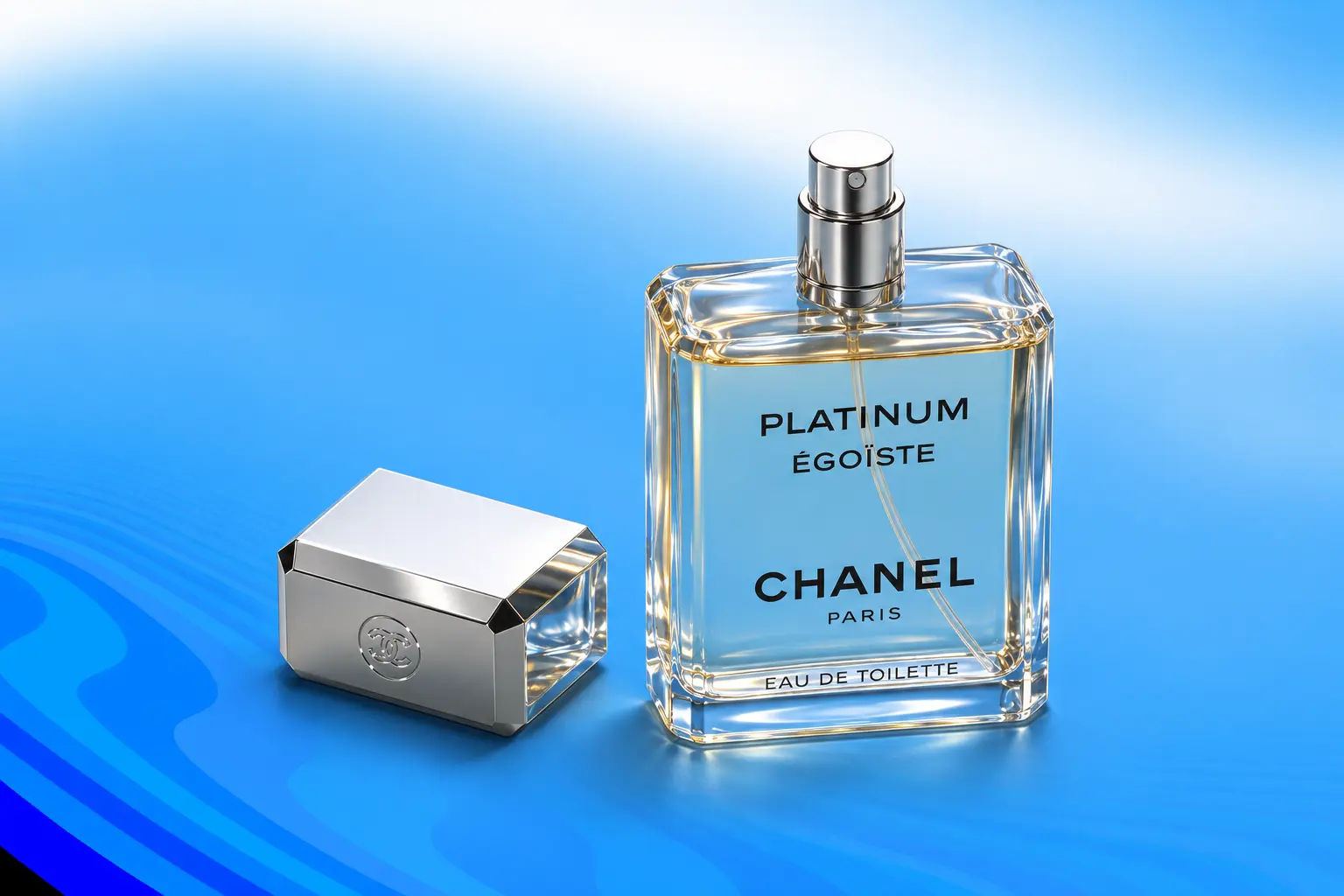
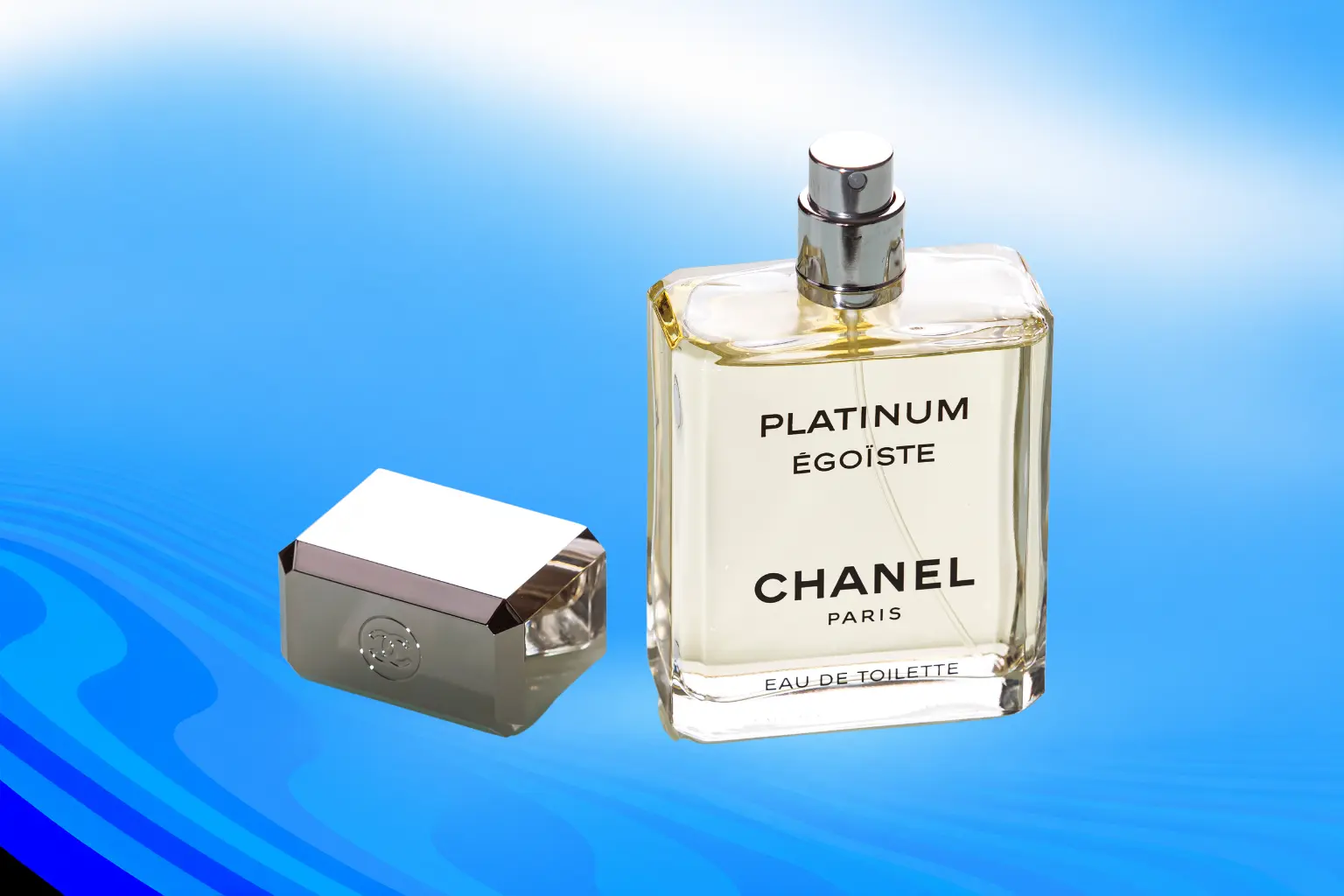 Flat silhouetteSee-through preserved
Hard Edges, Drawn Exactly
Jackets, shoes and packaging need crisp, repeatable edges. A hand-drawn clipping path follows the product exactly, with no halos.
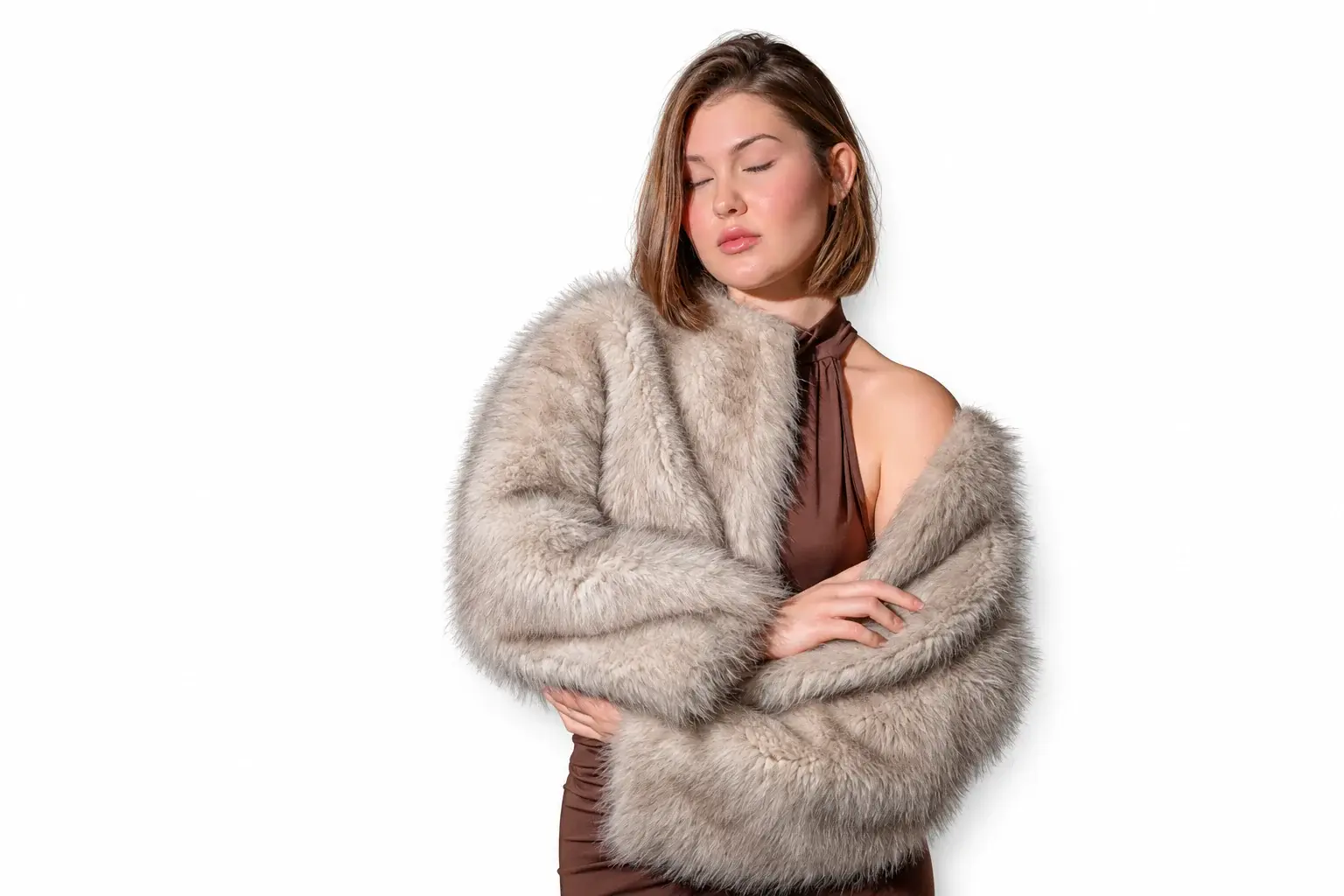
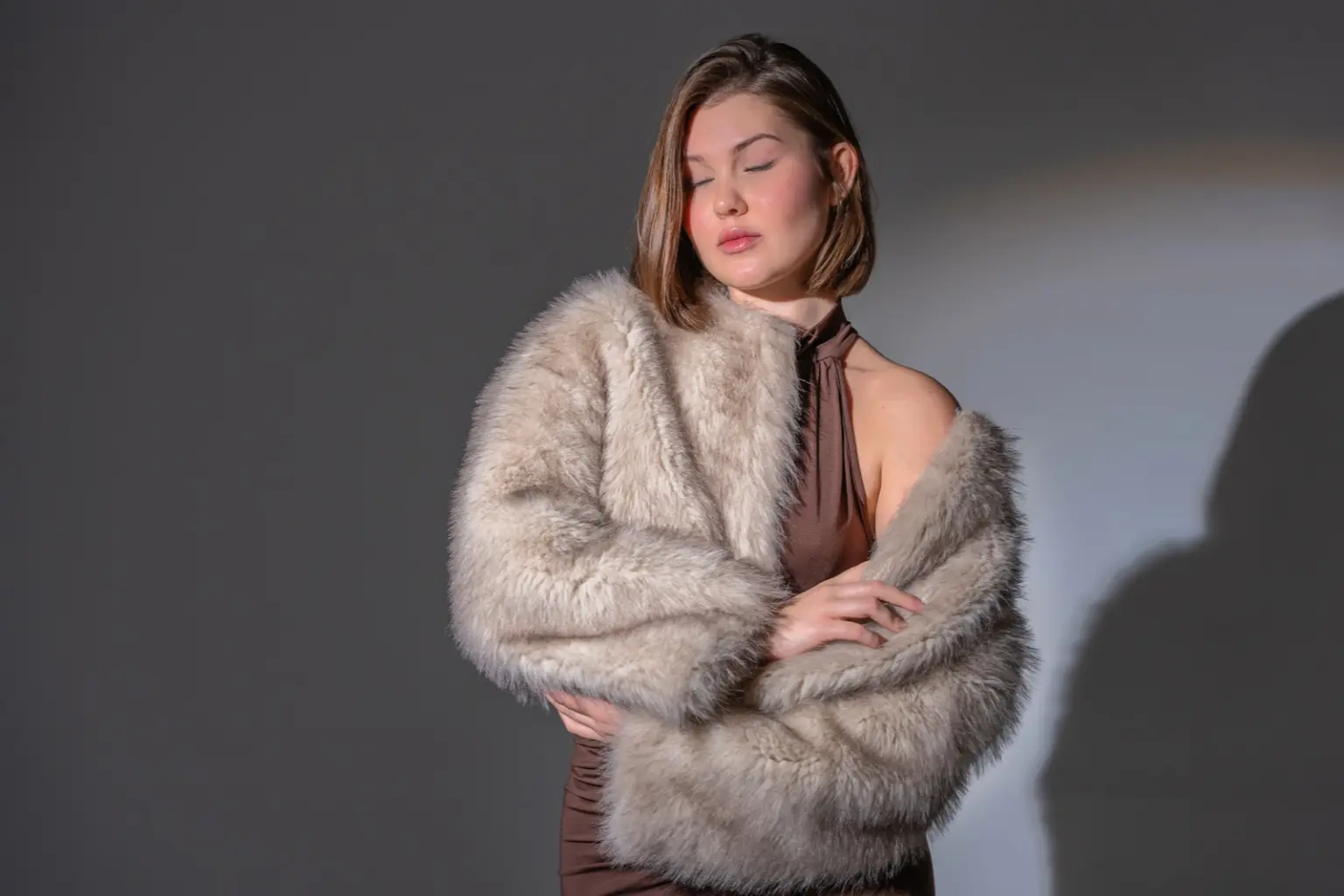 BeforeHand-drawn path
Free for quick jobs. Hand-drawn when it matters.
Free background remover
Best for quick jobs and simple edges.
Hand-drawn path
Best for hair, fur, glass and anything going on a listing.
Make your cutout marketplace-ready.
Removing the background is step one. Amazon's main-image rules also check the fill, the size and the file type, so listings don't get suppressed.
Who uses a background remover
Marketplace sellers
White-background main images for Amazon, eBay and Etsy listings.
Online stores
Clean, consistent product shots for Shopify and WooCommerce catalogs.
Photographers
Quick cutouts for portraits and composites, with hand-finished hair when it counts.
Designers & marketing teams
Transparent PNGs for banners, brochures, ads and mockups.
Three steps. Nothing to learn.
Drop in a photo
Choose a JPG, PNG or WebP, up to 15 MB. It stays on your device.
Get your cutout
The background comes off in seconds. Drag the slider to check the edges against your original.
Download, or have it hand-finished
Save the PNG for free. If the edges aren't clean enough, send us the file and an editor draws the path by hand.
Need more than a quick cutout?
Clipping path
Hand-drawn paths that cut products out of photos with sharp, precise edges.
Clipping path ›Background removal service
Pure white or transparent PNG files, finished by hand and checked edge by edge.
Background removal ›Shadow creation
Natural or drop shadows added back so cutouts don't look like they float.
Shadow creation ›Free background remover questions, answered.
Read the full FAQ ›Is this background remover really free?
Yes. There is no sign-up and no watermark. Remove one image at a time, as often as you like.
Do you upload or store my image?
No. The cutout runs in your browser, so the image stays on your device and nothing is sent to our servers.
Why does the first image take longer?
The first image loads the cutout model into your browser. Later images are usually faster.
What file types and sizes can I use?
JPG, PNG and WebP, up to 15 MB. Very large images are scaled down to 4,096 px on the longest side before they are cut out.
Can I use the cutouts commercially?
Yes. We don't add watermarks or claim any rights to your files. Just make sure you have the right to edit the original photo.
Why do hair, fur and glass look rough?
Automatic tools guess where the edge is. Soft hair, fur and see-through glass have no clear edge to find, so the result can look chewed or flat. Hand finishing fixes exactly these cases.
What is a hand-drawn clipping path?
It is an outline drawn point by point around your subject, so the edge is exact. It is the standard for product photos with hard edges. See our clipping path service, or Photoshop masking for hair and fur.
Can I remove backgrounds from many images at once?
This free tool handles one image at a time. For a catalog or a batch, send us the files and we'll return them in the format you need. Try 3 images free.
How is hand-finished work priced, and how long does it take?
Each image is quoted by complexity, so you know the cost before work starts. Share your volume and deadline when you request a quote and we'll confirm what's possible. We sign an NDA on request.